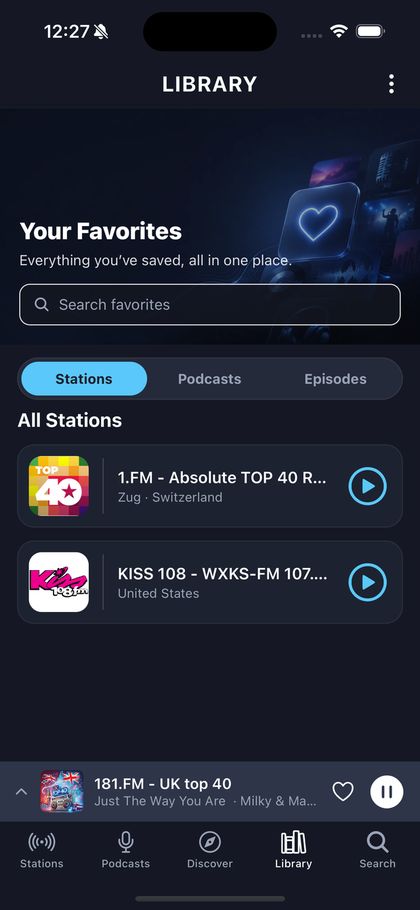
Favourites and your library
There is one save gesture in the whole product and it is the heart. Stations, shows — same control, same place afterwards. What is worth understanding is not how to press it but where the result lives.
Press the heart
It is on every station and podcast card, on hover, and always visible once something is saved. A saved thing shows its heart even on a touch screen, because the point of marking something is seeing it later without hunting.
Find it in your library
Your library holds Up Next, recently played, saved stations, followed podcasts and saved packs. Sections you have not filled yet still appear, with a line explaining what fills them — an empty section that vanished would just look like a feature you do not have.
Understand where it is stored
Without an account, your library belongs to the browser you are using. That is not a limitation so much as the absence of a claim: nothing has been told that this browser and your phone are the same person. Signing in is what says so, and it needs an email address and nothing else.