
Packs: a set of stations you can hand to someone
A playlist you can send someone is normal for music and strangely rare for radio. A pack is that: a named set of stations behind one link, playable by anyone, with no sign-up wall between them and the first station.
Open a pack link
A pack URL is a real page. It lists every station in the set and plays them straight away — the person you sent it to does not need an account, an app, or to agree to anything first.
Save it
Save This Pack copies the set into your own library. That is the first moment you have any reason to have an identity here, which is why nothing before it asks for one.
Know where it is saved
Saved without signing in, a pack belongs to that browser. Sign in and it belongs to you, which means it is also on your phone. The pack page says which of the two is happening rather than letting you find out later.
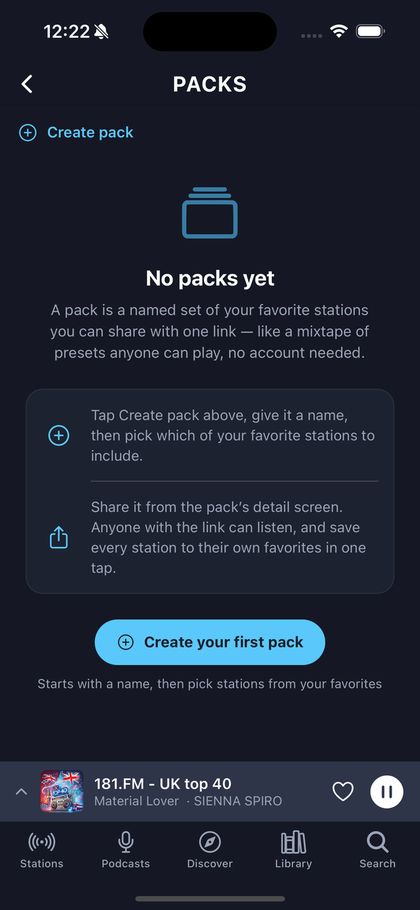
Worth knowing. Opening, playing and saving a pack all work in the browser. Building your own pack is in the phone app for now.